GUTSCHEIN
Bitte haben Sie einen Moment Geduld, wir legen Ihr Produkt in den Warenkorb.
Diese Produkte könnten Sie auch interessieren:
Bitte haben Sie einen Moment Geduld, wir legen Ihr Produkt in den Warenkorb.
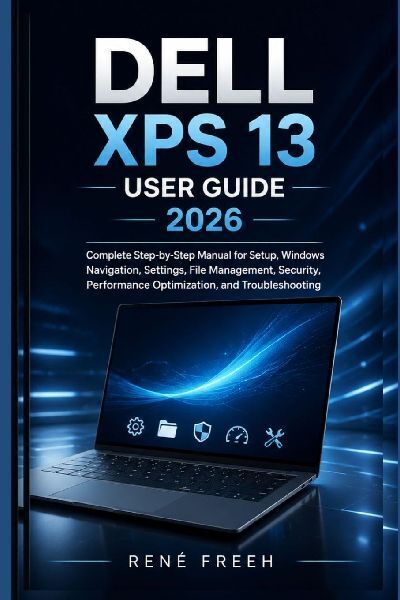
This user guide provides a clear and structured explanation of how to use a modern 13-inch ultralight laptop powered by a Windows-based operating system. It is designed for everyday users who want to understand setup, navigation, system settings, and long-term maintenance without relying on technical jargon or manufacturer-focused documentation.The book begins with initial setup and continues through essential topics such as file organization, system personalization, application management, and wireless connectivity. It also explains how to use built-in tools for productivity, communication, and multimedia tasks in a practical and organized way.Readers will learn how to manage system performance, optimize battery usage, and maintain storage efficiency for smooth daily operation. Security and privacy chapters explain how to protect user accounts, manage permissions, and maintain safe computing habits.In addition, the guide covers multitasking tools, window management, virtual workspaces, and workflow organization techniques that help improve productivity in both personal and professional environments. Troubleshooting sections provide step-by-step methods for resolving common system, application, and connectivity issues.The final reference section includes shortcuts, gestures, system settings summaries, and a glossary of key terms for quick consultation.This book is intended for beginners, students, professionals, and general users who want a straightforward, practical reference for operating a modern laptop effectively.No prior technical experience is required.
Wie gefällt Ihnen unser Shop?